Released 2–26 July 2026
July 2026 platform update
Large-query dataset cloning, a broader segmentation model catalog, faster libraries, more reliable training recovery, and clearer per-version results.
CompatibilityExisting resources remain compatible
Action requiredNone for reliability updates
AvailabilityPermissions and enabled services apply
Datasets and annotation
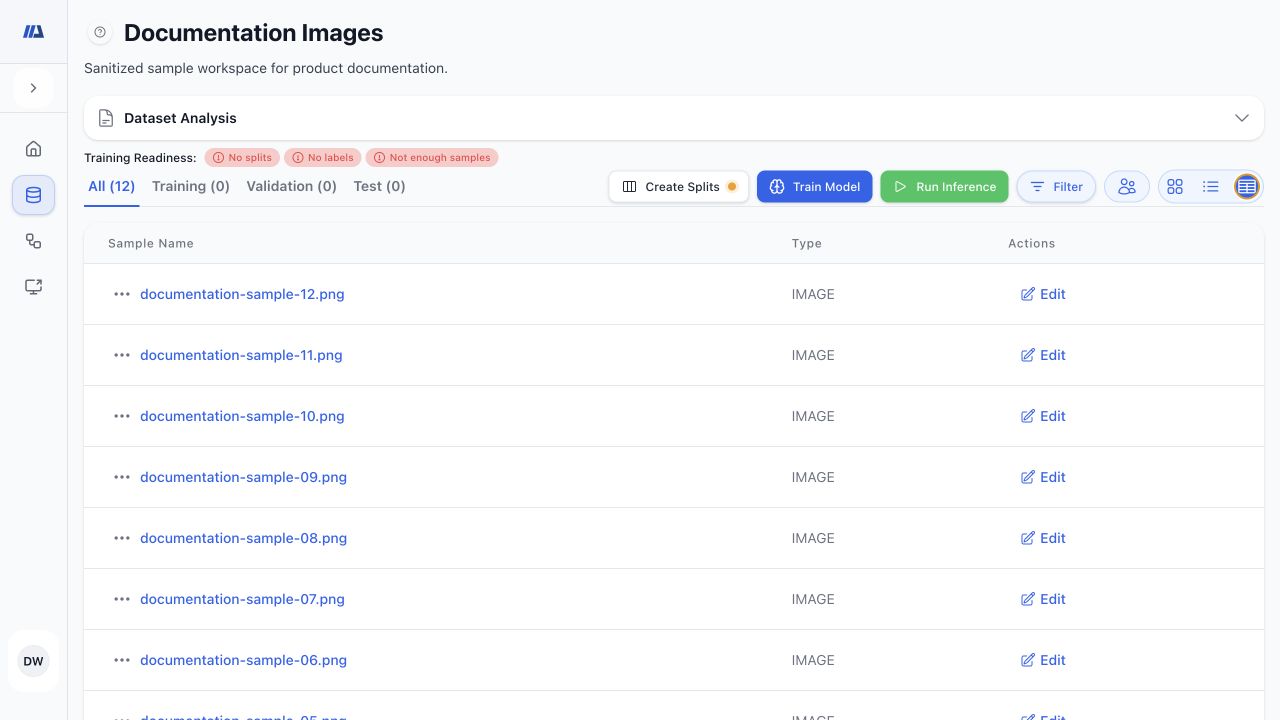
- Copy a full dataset or the active filtered query while optionally preserving training, validation, and test membership. Large filtered clones use the query at submission, including matching samples that are not yet loaded in the library.
- Export annotations for all, training, validation, or test samples in CSV or JSON.
- Import COCO annotations with safer validation and clearer unmatched-image or invalid-annotation feedback.
- Use TIFF images more consistently in upload and preview workflows.
- See clearer startup, readiness, progress, and recovery states for Shift+Rectangle, Magic Click, and Auto Annotate.
- Preserve existing split assignments when balancing newly added samples.
Training and pipeline recovery
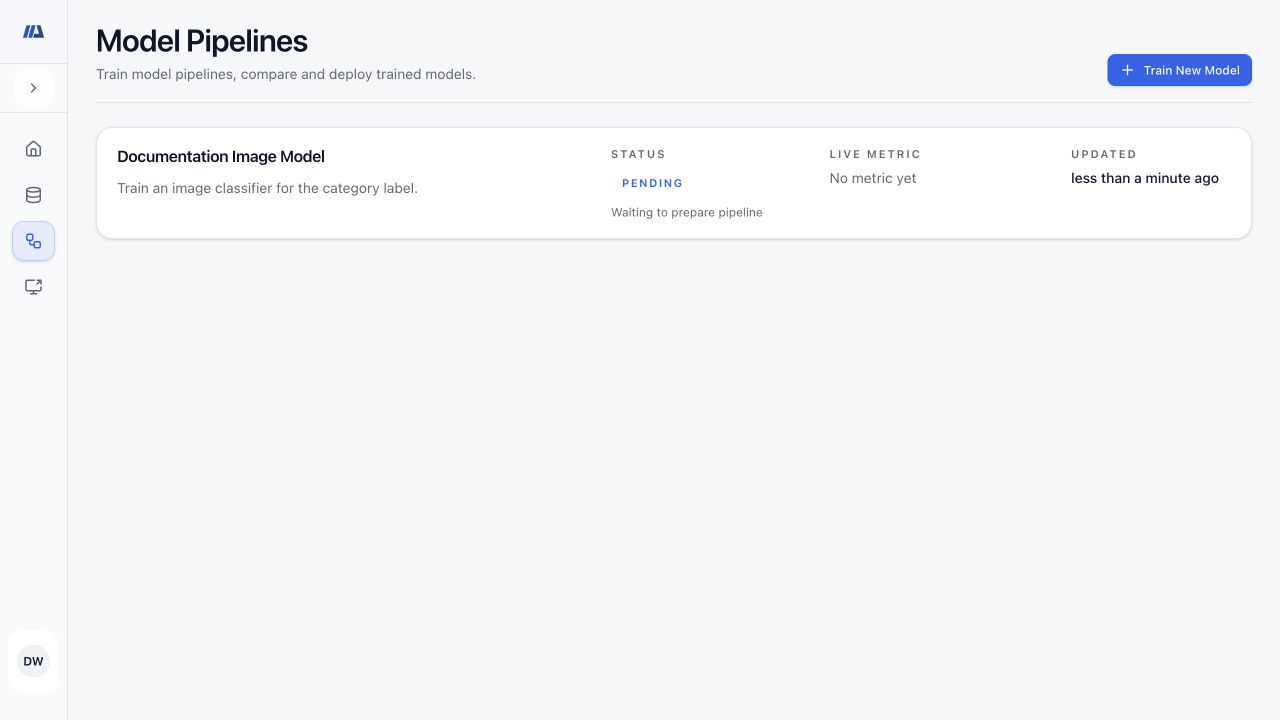
- Resume interrupted pipelines from the latest valid checkpoint.
- Continue evaluation without repeating completed training when a usable trained checkpoint exists.
- Keep fine-tuning connected to its intended source checkpoint.
- See the ML backend pinned to each model version; derived clone and fine-tune pipelines inherit the appropriate pinned backend.
- Retry a pipeline’s first model version when it fails before creating a checkpoint; this narrow recovery starts that version fresh without changing later-version recovery.
- Receive actionable GPU memory guidance with the cause, available memory, current batch size, and a safer recommendation when calculable.
Results and model evaluation
- Compact binary-classification summaries use the default 0.5 threshold; detailed analysis continues to distinguish validation-selected, test-sample-optimal, and threshold-independent operating points.
- Review structured classification and segmentation results more quickly.
- Compare completed pipelines and retain model versions as separate result tabs.
- Review segmentation predictions beside ground-truth masks and create reports for completed model versions.
- Load protected previews and explainability artifacts through authenticated result paths.
Models and technical integrations
- Discover new segmentation catalog choices for compatible workflows: EoMT DINOv2 Small, Base, and Large 640 for panoptic segmentation; RF-DETR Segmentation Nano, Small, Medium, and Large for instance segmentation; and RTMDet-Ins Tiny, Small, Medium, and Large for instance segmentation. New platform pipelines use automatic architecture selection, and available alternatives appear under the planned Architecture resource. Catalog discovery does not guarantee that every ML backend can execute every family, so confirm workspace availability before running.
- Use XGBoost, LightGBM, and CatBoost options for supported tabular classification and regression tasks.
- Use authenticated REST and local MCP workflows to inspect capabilities, manage datasets, configure and run pipelines, review results, and control deployments.
- Browse large dataset and pipeline libraries incrementally, with later-page retries that keep entries already loaded; dashboard and large-classification summaries also load more efficiently.
- Use the product interface in English, Japanese, or French, with smaller translation and usability improvements across common workflows.
- Retain compatibility for existing datasets, pipelines, model versions, deployments, and multi-target imaging checkpoints.