Run, monitor, and compare pipelines
Start one pipeline run, follow preparation and queue state, respond to GPU guidance, and compare compatible completed work.
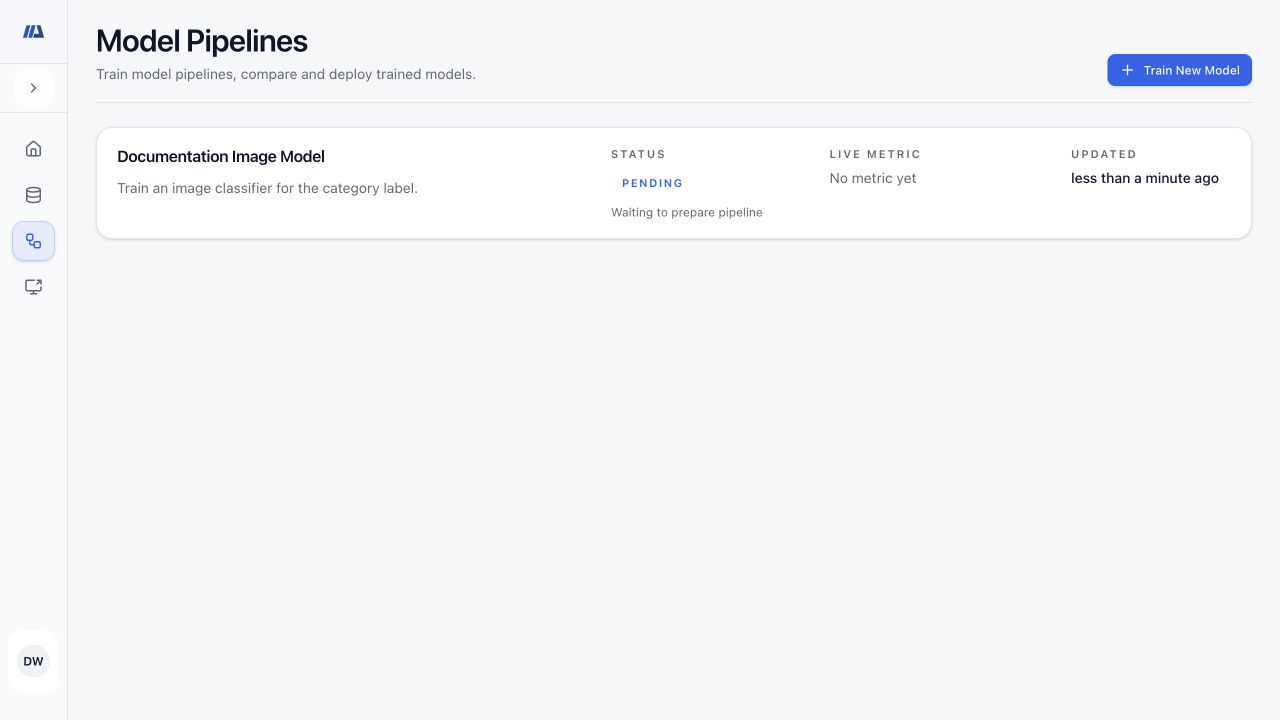
Start and monitor a run#
- Select Run once
Start the reviewed pipeline a single time. A preparation, planning, pending, or queued state means work was accepted; do not submit a duplicate.
- Follow data preparation
Wait while samples, splits, and task inputs are prepared. Read the visible message history when preparation reports a problem.
- Watch queue and progress
Use the queue state, progress indicator, current message, and message history to distinguish waiting from active training or evaluation.
- Refresh from durable state
If the live display disconnects, refresh the page and use the persisted status and history before deciding whether intervention is needed.
- Interrupt only when intended
Interrupt requests a controlled stop. Wait through Interrupting until the pipeline reaches Interrupted or another terminal state.
Respond to GPU memory guidance#
- Read the estimate
Compare required memory, available or free memory, the current batch size, and the recommended batch size shown by the dialog.
- Apply the recommended batch size
Use the suggested lower batch size when offered, then save the configuration.
- Check again
Run the preflight check again after changing the configuration. Retry the pipeline only when the check permits it.
Compare compatible pipelines#
- Open Compare Pipelines
Start from a completed pipeline with results.
- Choose compatible completed pipelines
Search for pipelines that evaluate the same task and comparable target. Incompatible or incomplete pipelines are not useful comparison candidates.
- Compare like with like
Check dataset, split, model version, metric definition, threshold or operating point, and result status before interpreting differences.
- Open the detailed results
Use the comparison as navigation, then inspect each pipeline result and model report for the evidence behind the headline metric.